Getting started with Citrate Core
currentThis page walks the first run of Citrate Core from the welcome screen to a live node, one step at a time. The whole flow is a guided sequence: you sign in, verify who you are, take a membership, receive your account and your grant, stake, and start the node. Every signature along the way goes through the on-screen approval described in keys and safety.
Install and open
Download Citrate Core for your platform and open it. On first launch the app provisions a fresh local identity and the onboarding sequence begins. If you are building from source instead, see the repository README; the packaged download is the supported path for most people.
Step 0: Welcome
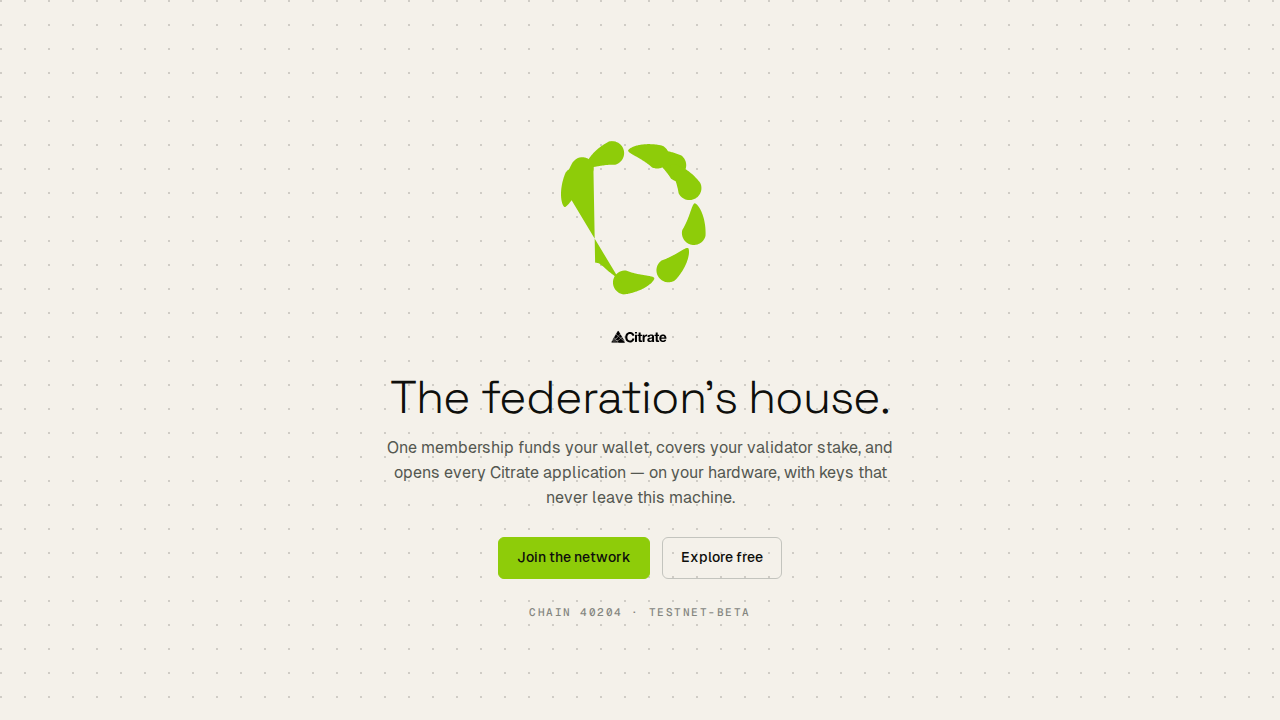
The welcome screen states what the app is and offers two doors. Join the network starts the guided setup. Explore free opens the app in a read-only preview so you can look around before you commit to a membership.
Step 1: Sign in
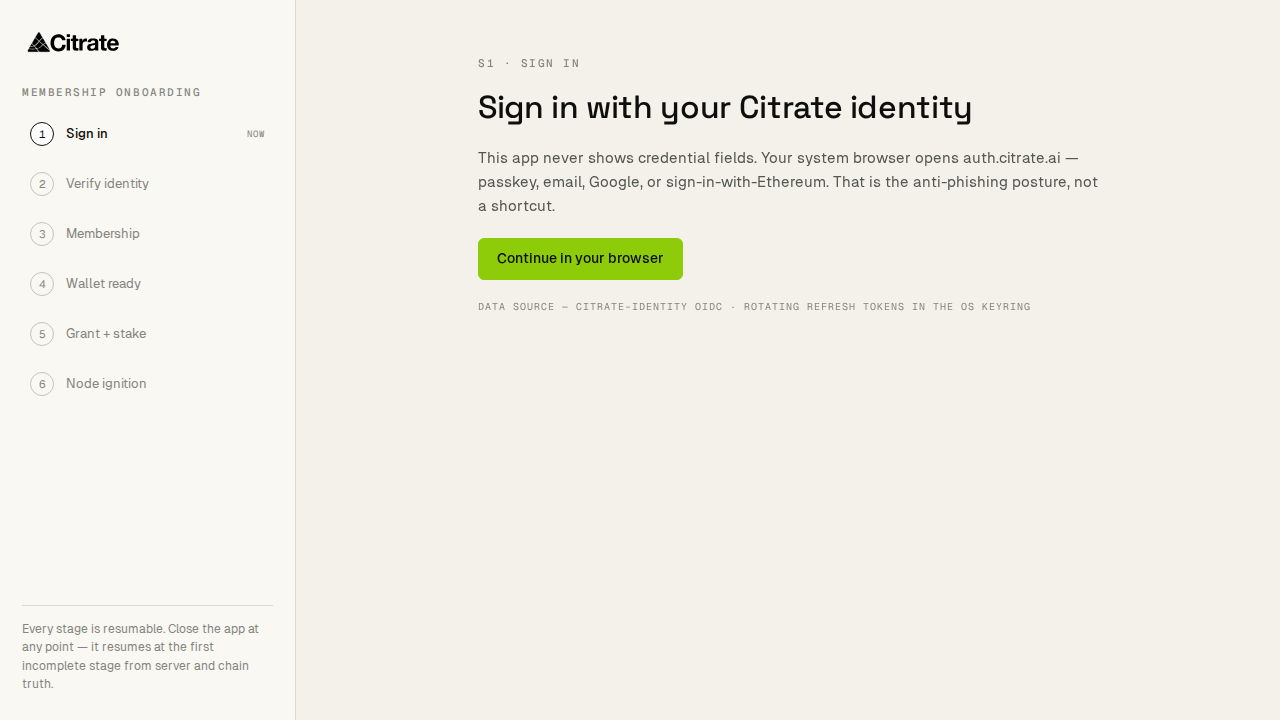
You sign in to a Citrate identity. The app opens a sign-in against the Citrate authority (auth.citrate.ai)
over a local loopback so the exchange stays on your machine. A first-time visitor creates an identity here;
a returning one signs back in.
Step 2: Verify identity
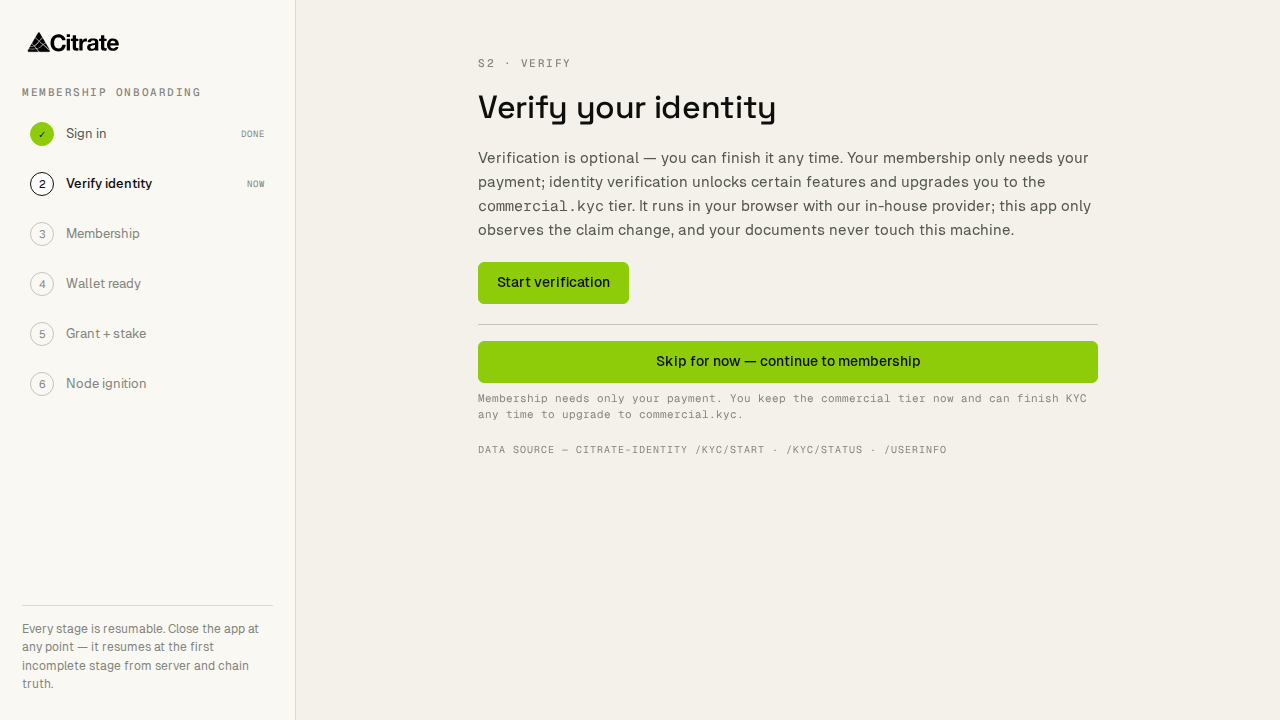
Membership on the public network is identity-verified through VERI, Citrate's in-house verification. You complete a short check here. The result gates the steps that follow; the verification itself is handled by the identity service, and Citrate Core only carries the outcome.
Step 3: Membership
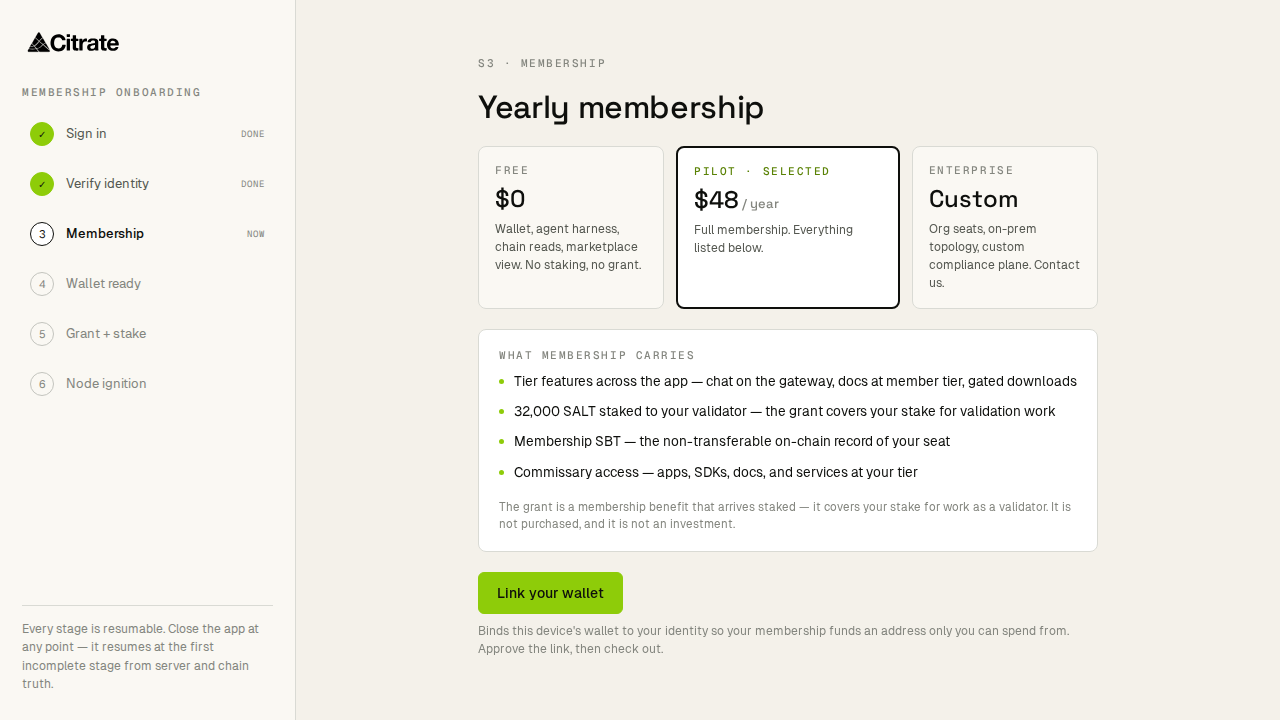
Membership is the single thing that funds everything else. Taking it here is what later covers your account and your validator stake and opens every surface. The step shows what the membership includes and confirms the amount before anything is charged.
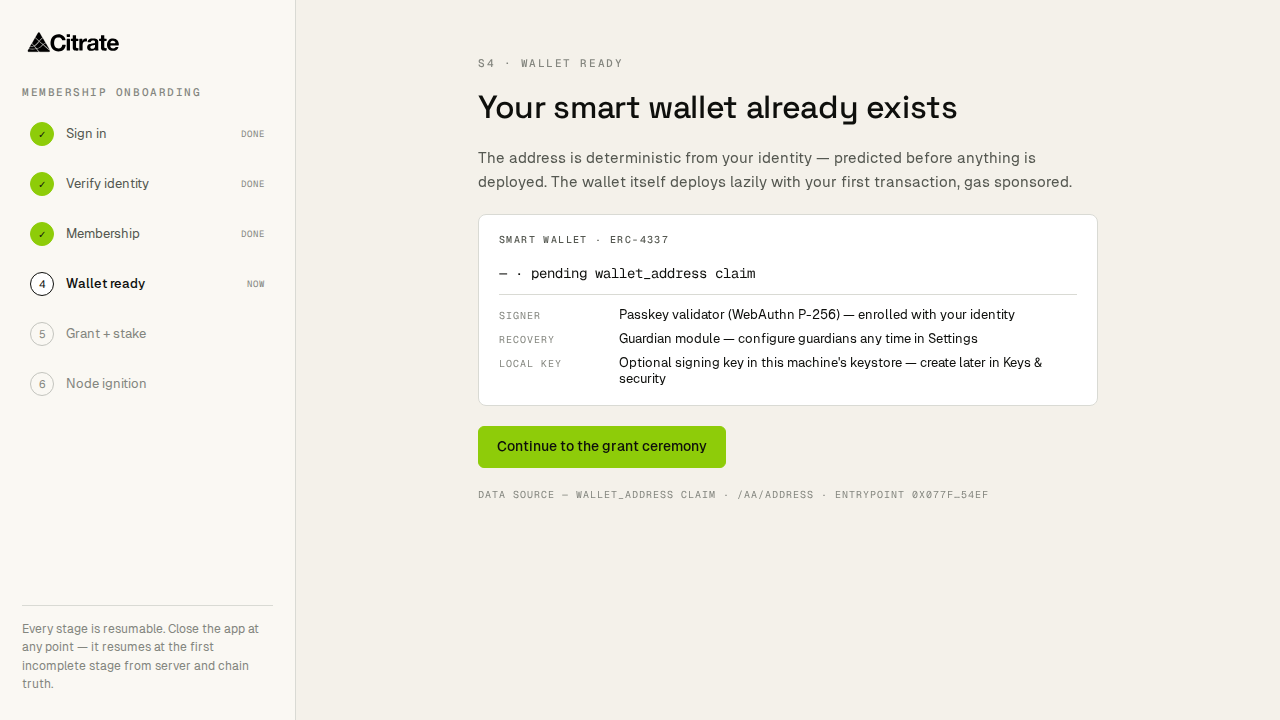
Step 4: Account ready
Your Citrate Keyring account is provisioned. This is a smart account on chain 40204: it deploys lazily on its first outgoing action, and deposits to its address are safe immediately. The step confirms the account is ready and shows its address so you can receive to it.
Step 5: Grant and stake
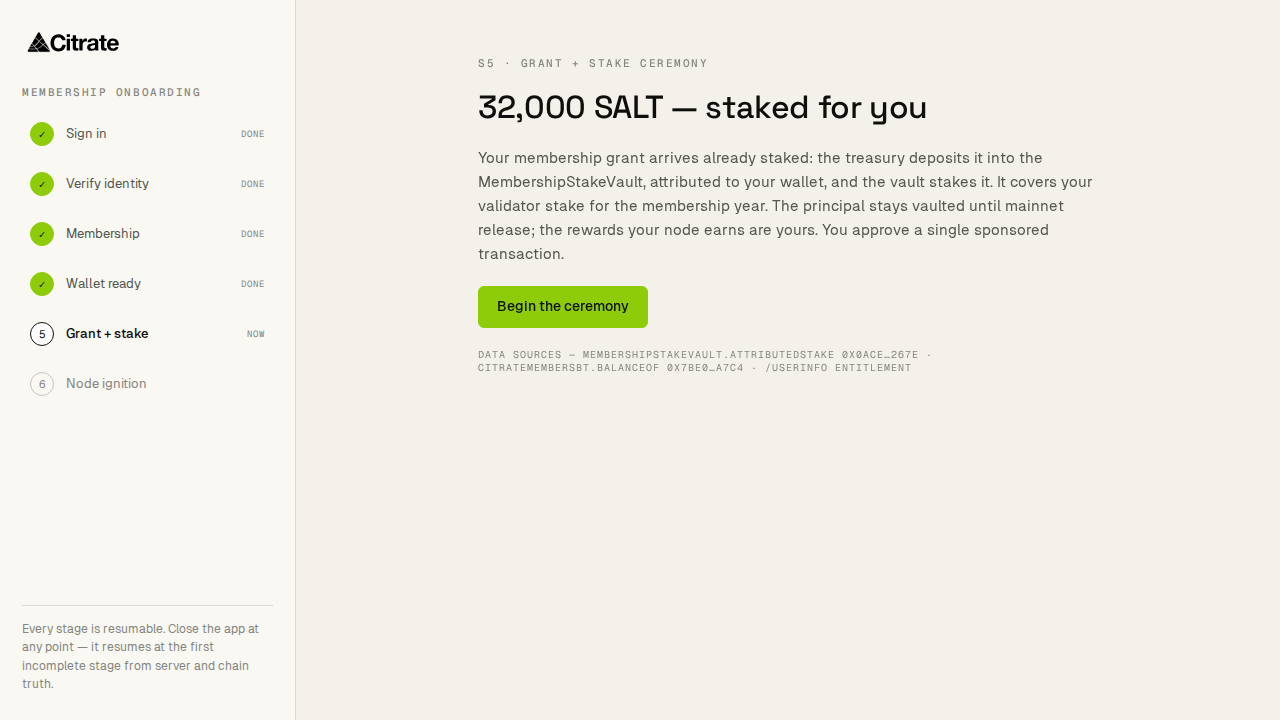
Membership releases a grant into your account, and the grant is placed into a validator stake so your node can take part in producing blocks. This is a signed sequence: the app walks you through it and asks you to approve each on-chain action. When it finishes, your stake is bonded and the membership token is minted to your account.
Step 6: Node ignition
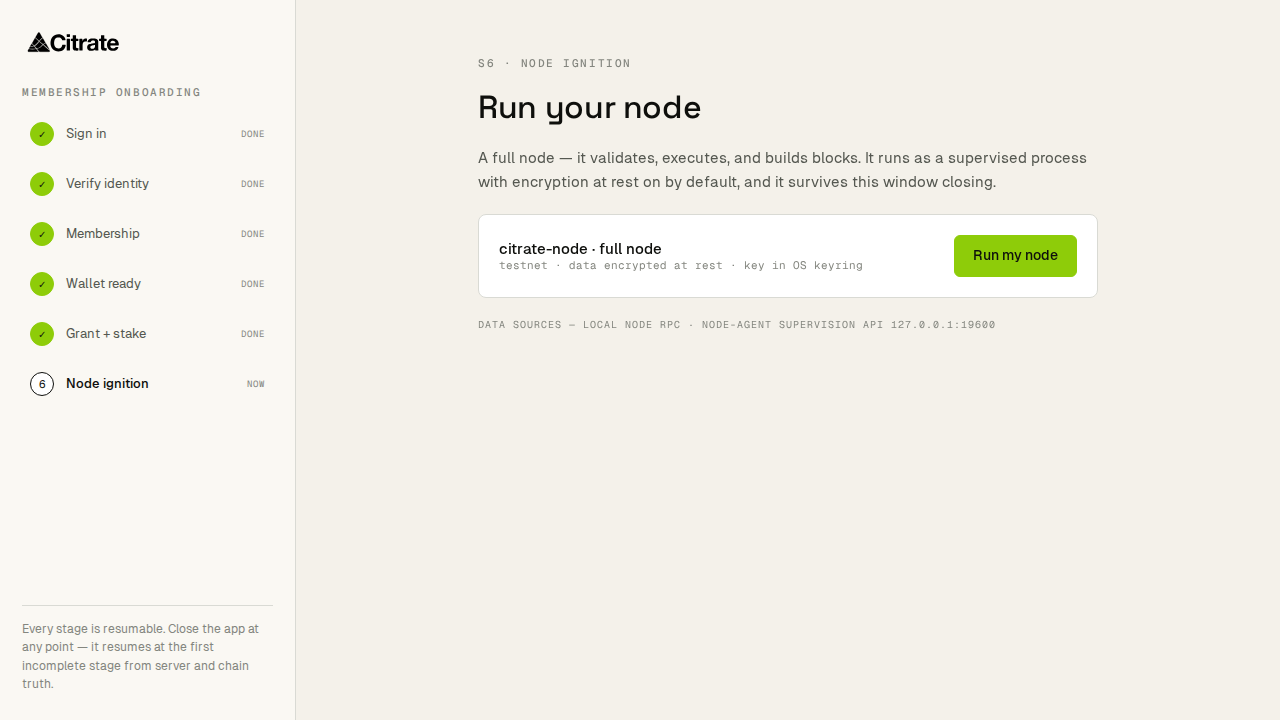
The last step starts your node. The app spawns the node process, joins it to chain 40204, and shows it coming online. It also offers to download the local inference model so on-device AI works without a network round trip. From here the app shell opens onto the full sidebar.
After onboarding
You land on the dashboard. Two good next moves:
- Read run a node to understand what your node is doing, what it needs, and how to keep it healthy at home or in a business.
- Read keys and safety so you understand where your keys live, how signing works, and how to back up your recovery phrase.
If you chose Explore free at the welcome screen, you can return to this sequence at any time from the membership prompt; nothing on the network is charged until you take the membership at step 3.