A tour of Citrate Core
currentThis is the screen-by-screen tour of Citrate Core. Each surface is a page in the sidebar; the sidebar groups
them as You, Your Groups, Your Node, and More. The Node surface has its own page,
run a node.
You
Dashboard
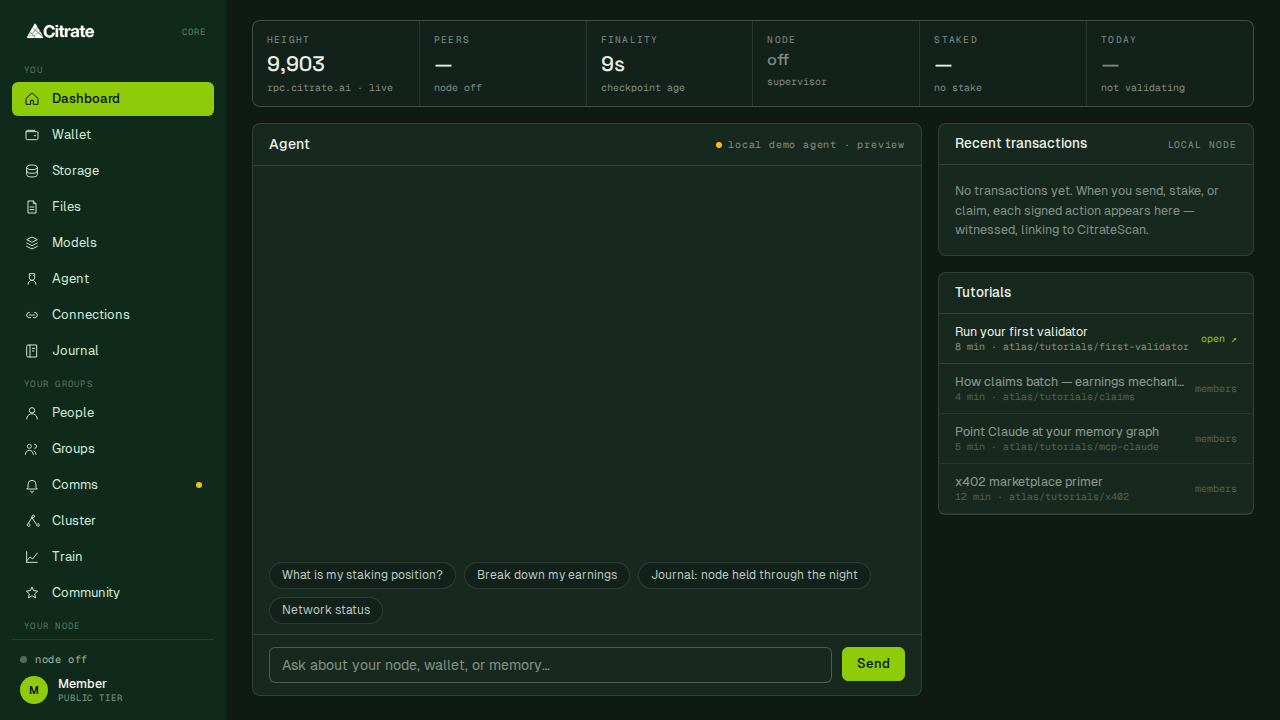
The home surface. A strip of node vitals across the top (height, peers, finality, node state, staked amount, and today's validating status), the on-device agent in the center, recent account activity on the right, and a set of short tutorials.
Account
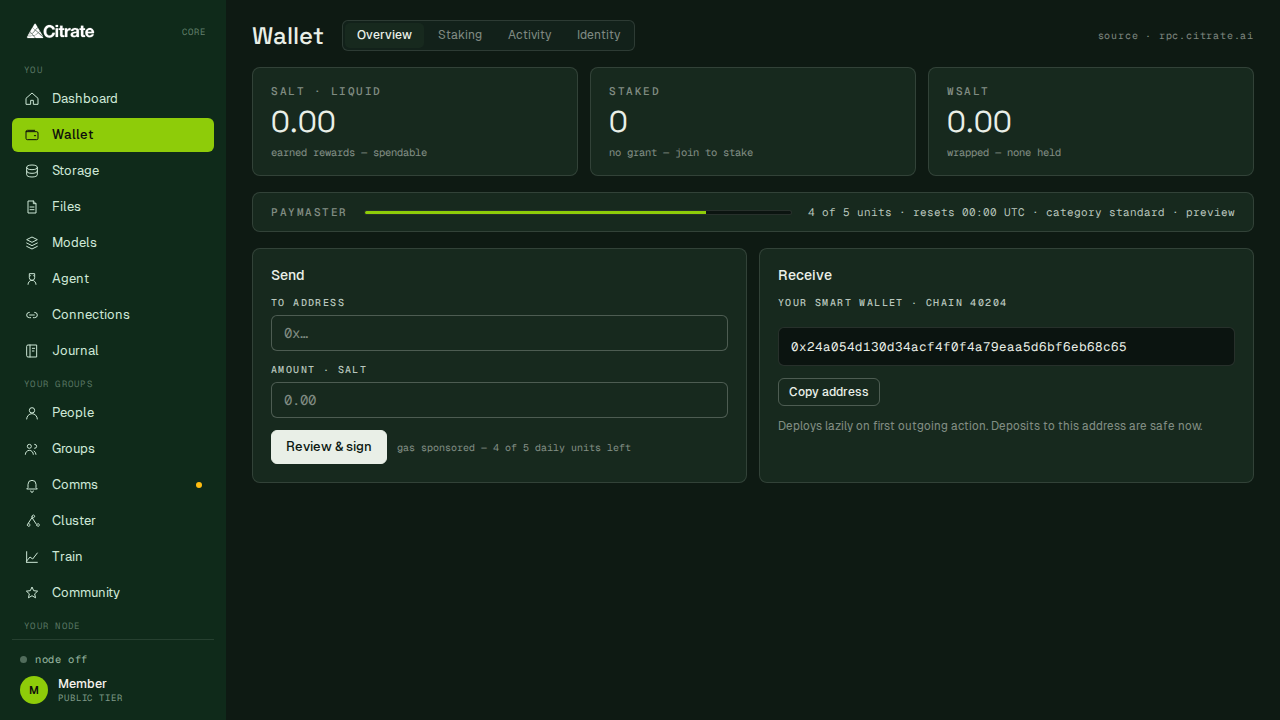
Your Citrate Keyring account, under the Wallet label. Four tabs: Overview, Staking, Activity,
and Identity. Overview shows liquid SALT, staked SALT, and wrapped SALT, a paymaster meter for
sponsored actions, and the send and receive panels. The receive panel shows your smart account address,
which deploys lazily on its first outgoing action, so deposits are safe before the account has ever sent
anything.
Storage
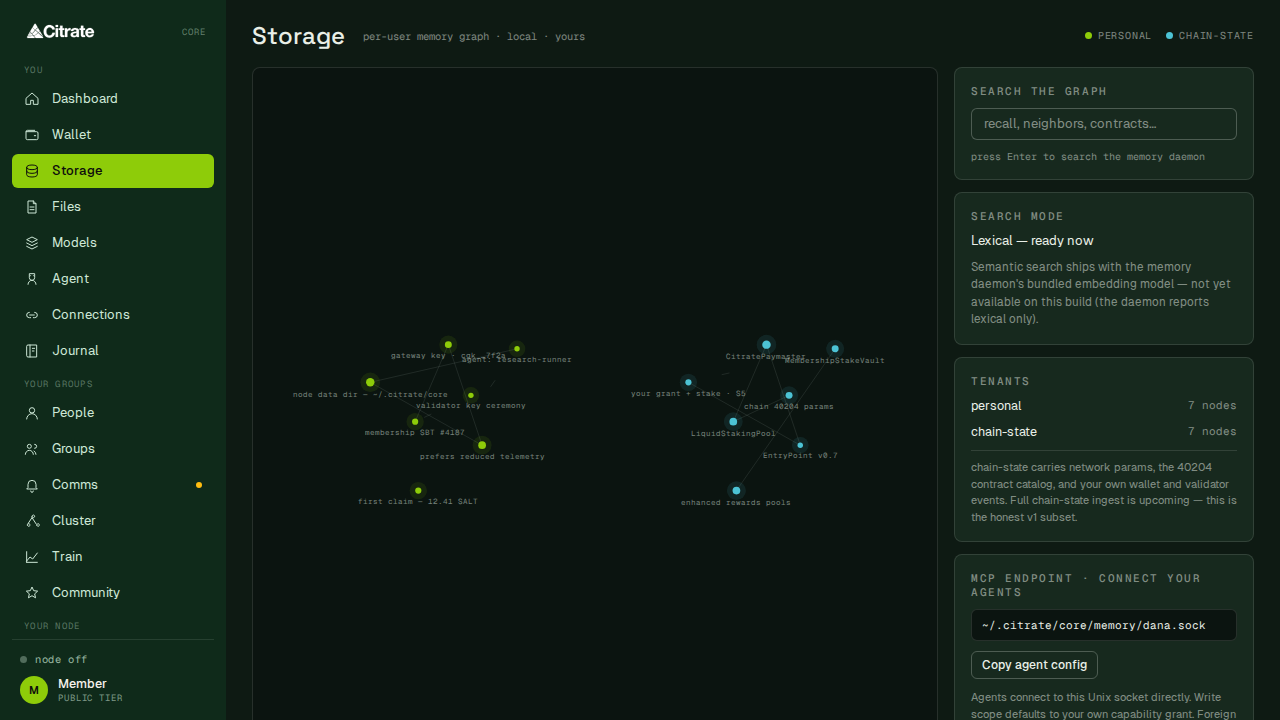
Your memory graph: a local, searchable knowledge store that agents and the app read from and write to. Entries are yours, held on device, and can be anchored to the network when you choose.
Files
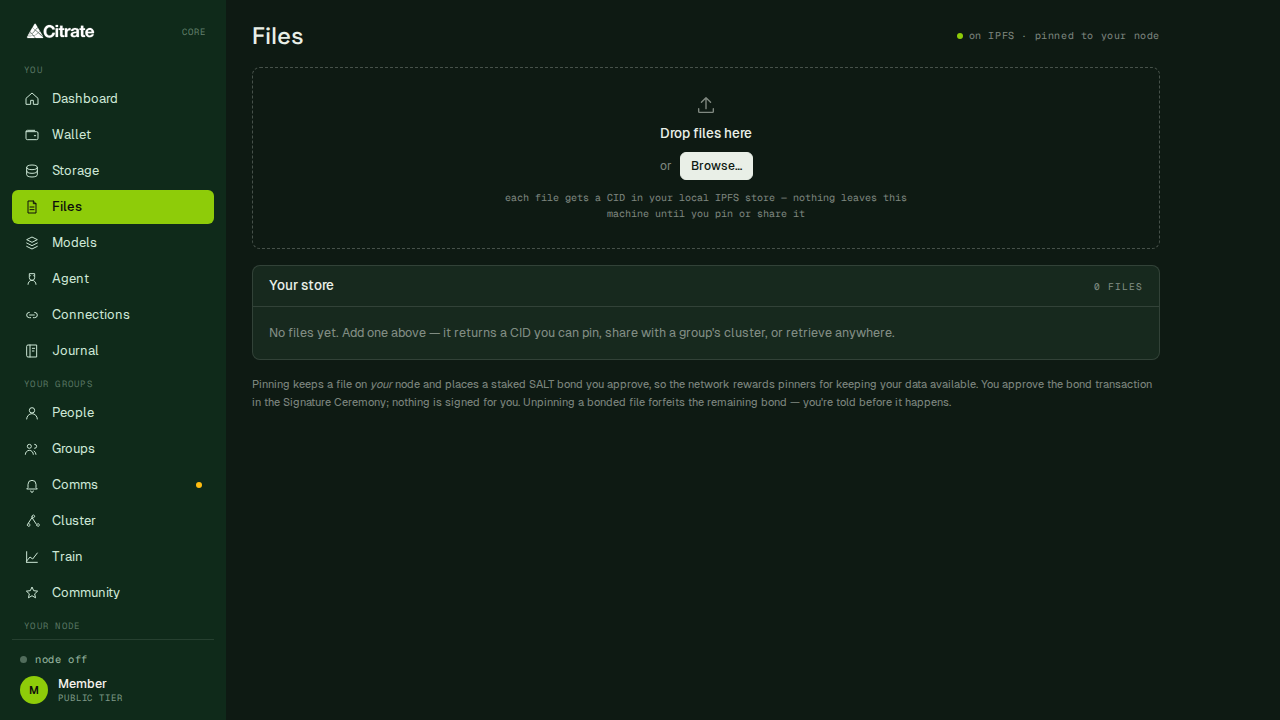
Your files on the network storage layer. Pin, browse, and manage content addressed by hash.
Models
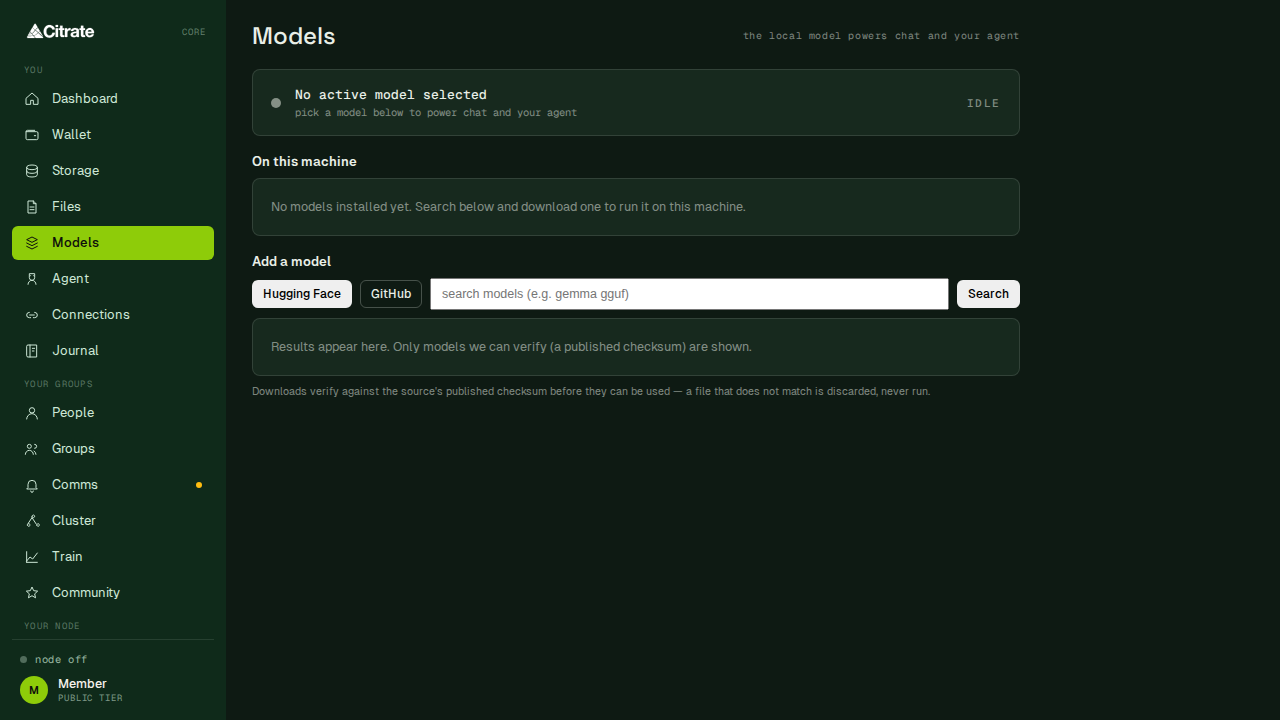
Browse and manage AI models available to the app, including the local inference model the node can serve.
Agent
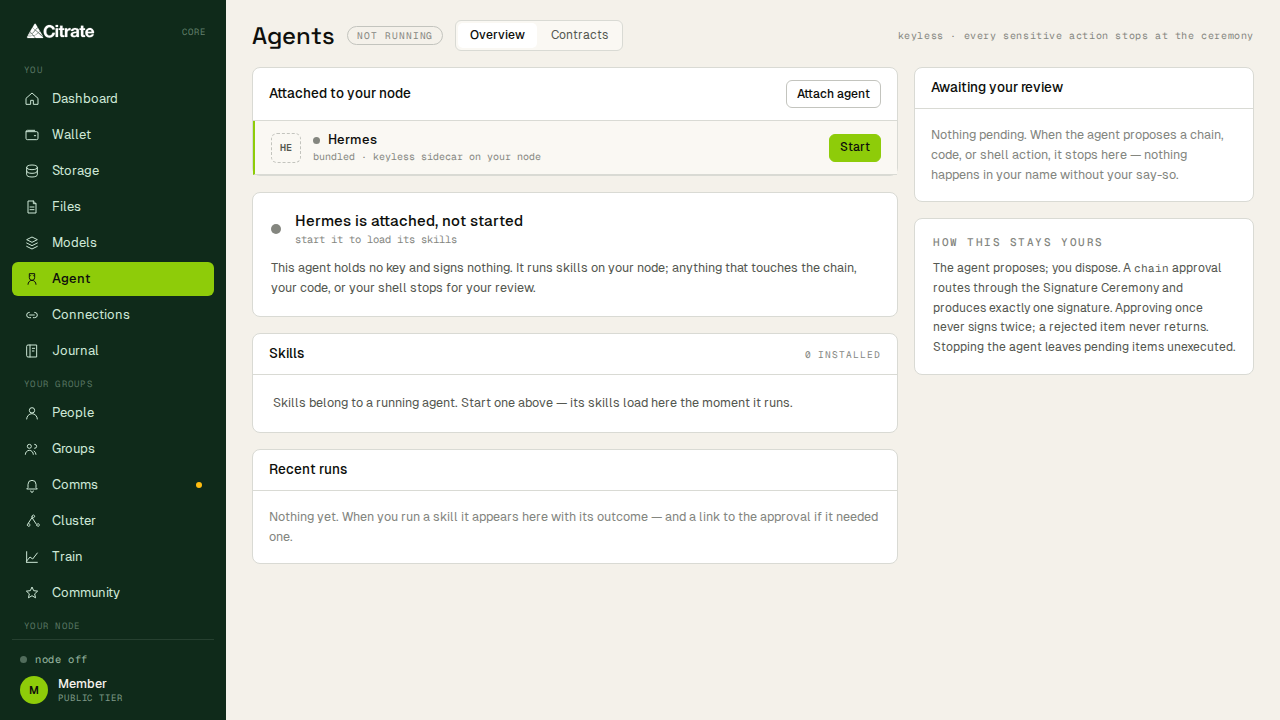
A keyless agent workbench. The agent can act on your behalf, and every action it wants to sign is routed to you for approval through the same ceremony the rest of the app uses. It never holds a key.
Connections
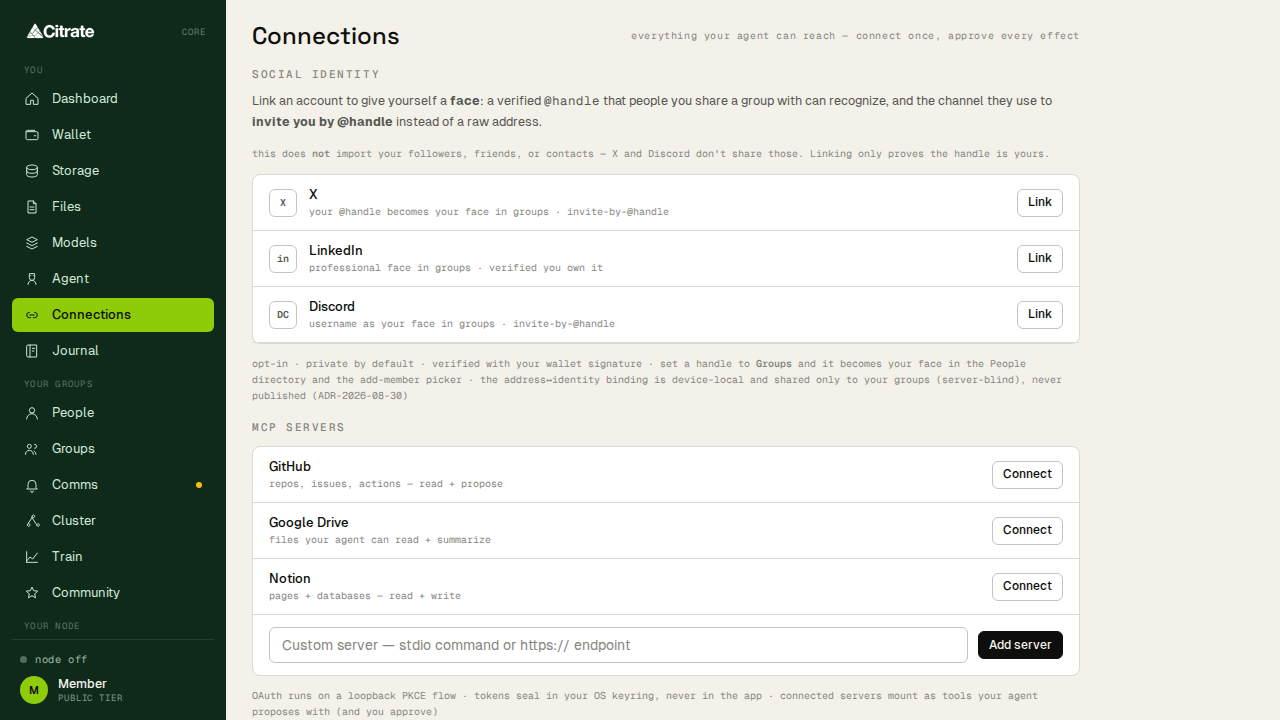
The people and services your account is connected to across the federation.
Journal
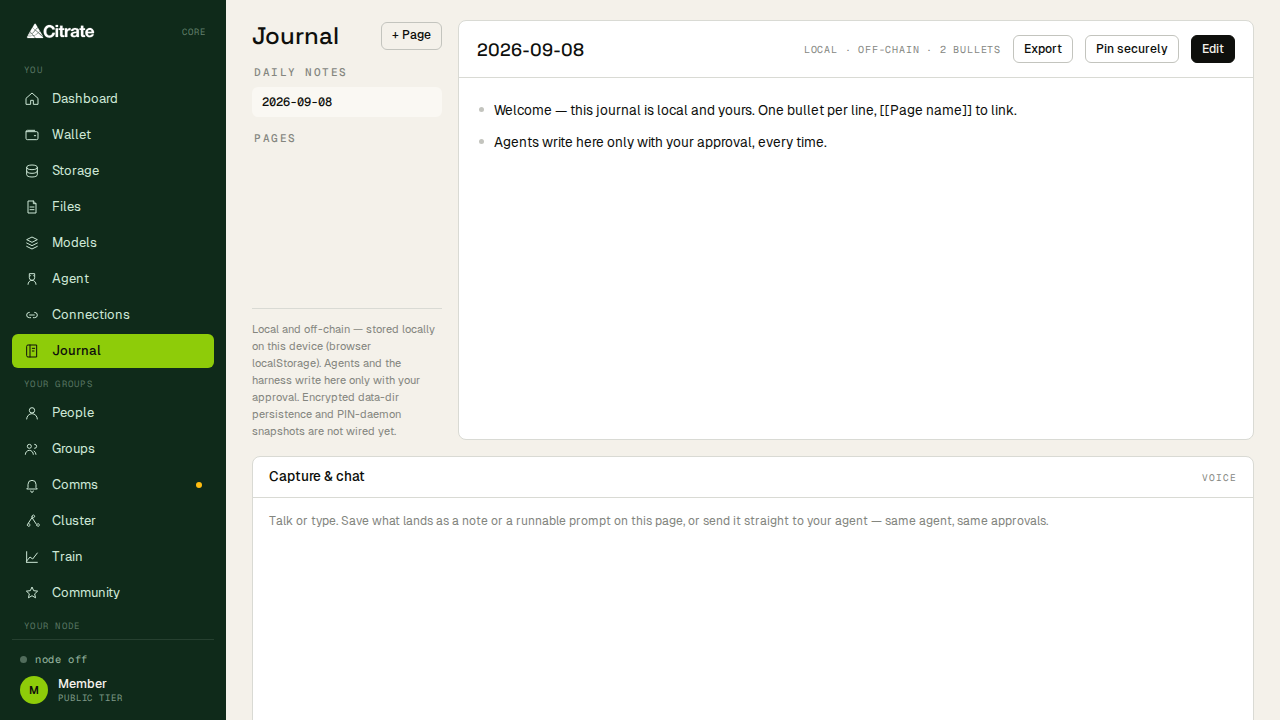
A running record of what your node and account have done, in plain language, useful for keeping a personal log or handing context to an agent.
Your Groups
Groups
Create and join groups, assign roles, manage a roster, and send messages. Groups are the unit of shared membership and access.
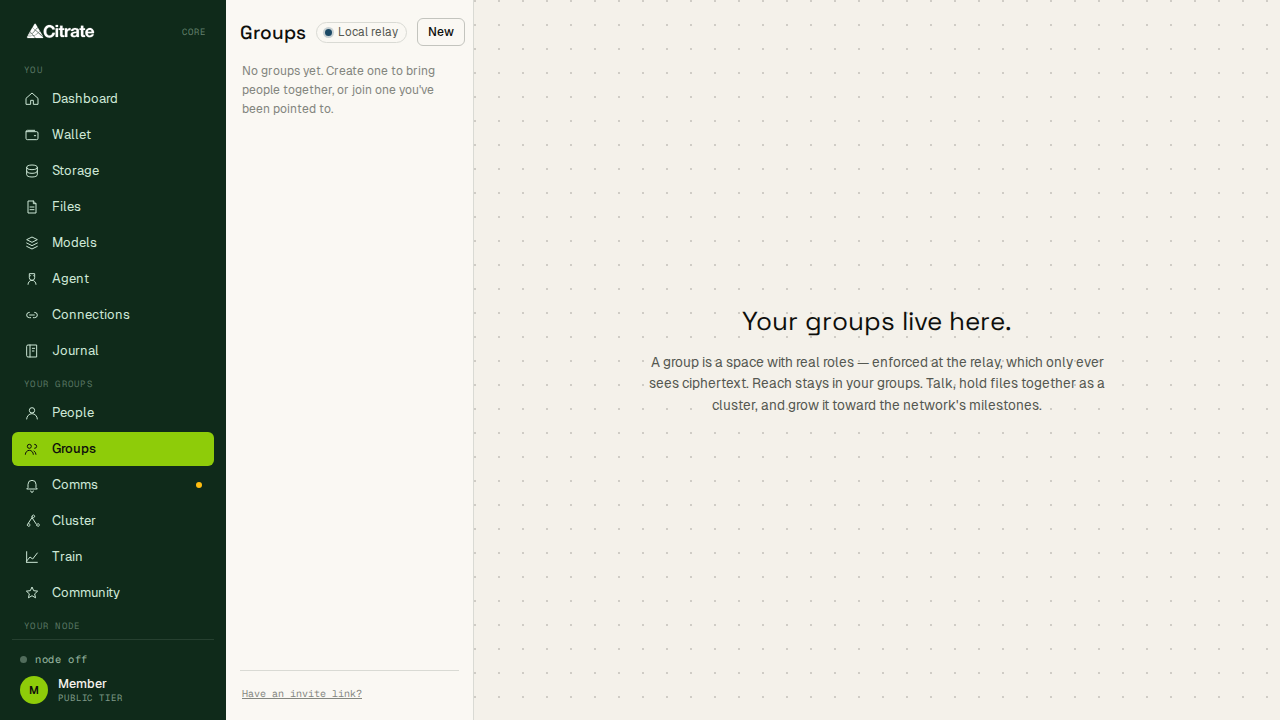
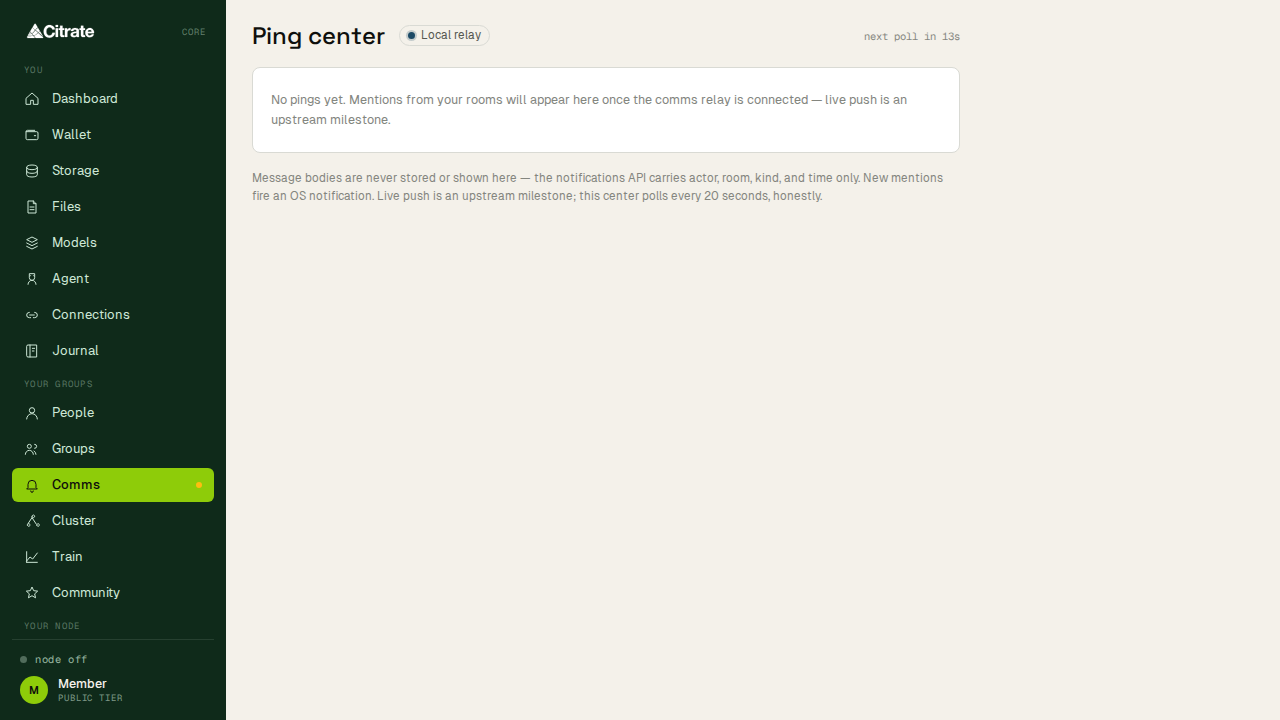
Comms
Messaging over the server-blind Citrate relay. The relay carries sealed messages without being able to read them; see Citrate Comms for the protocol.
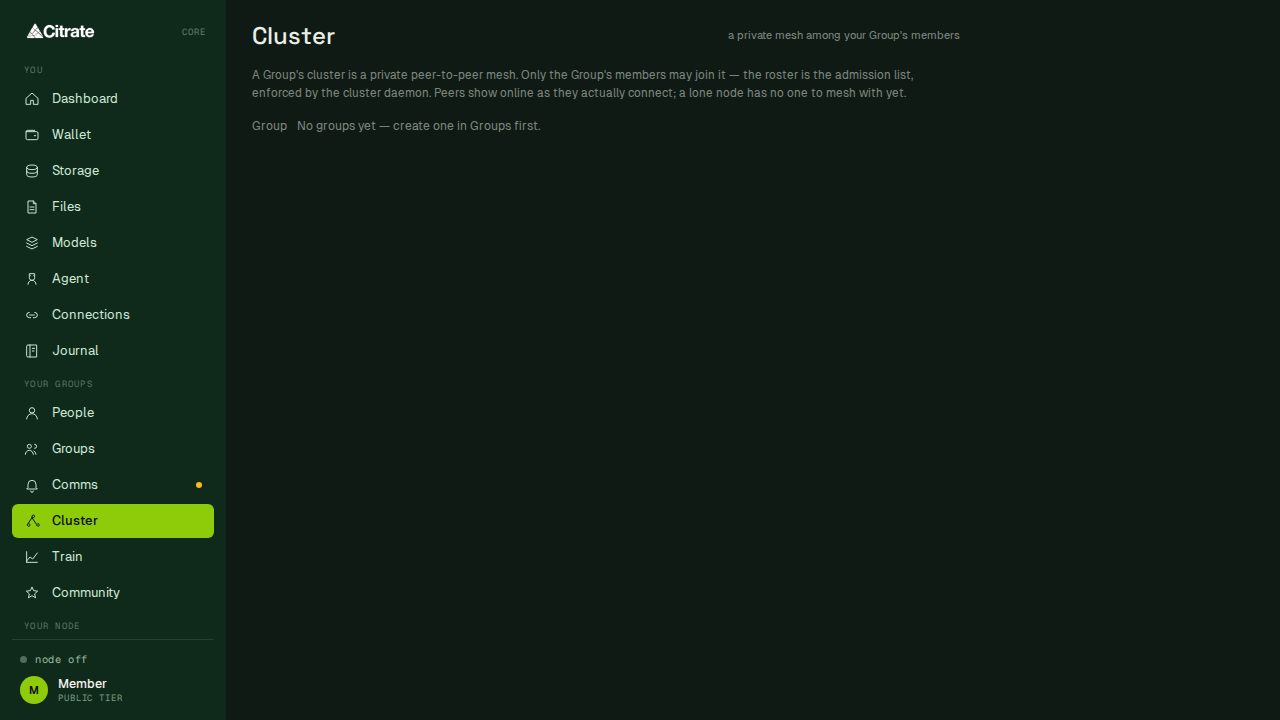
Cluster
Join a compute cluster and share files and capacity with its members.
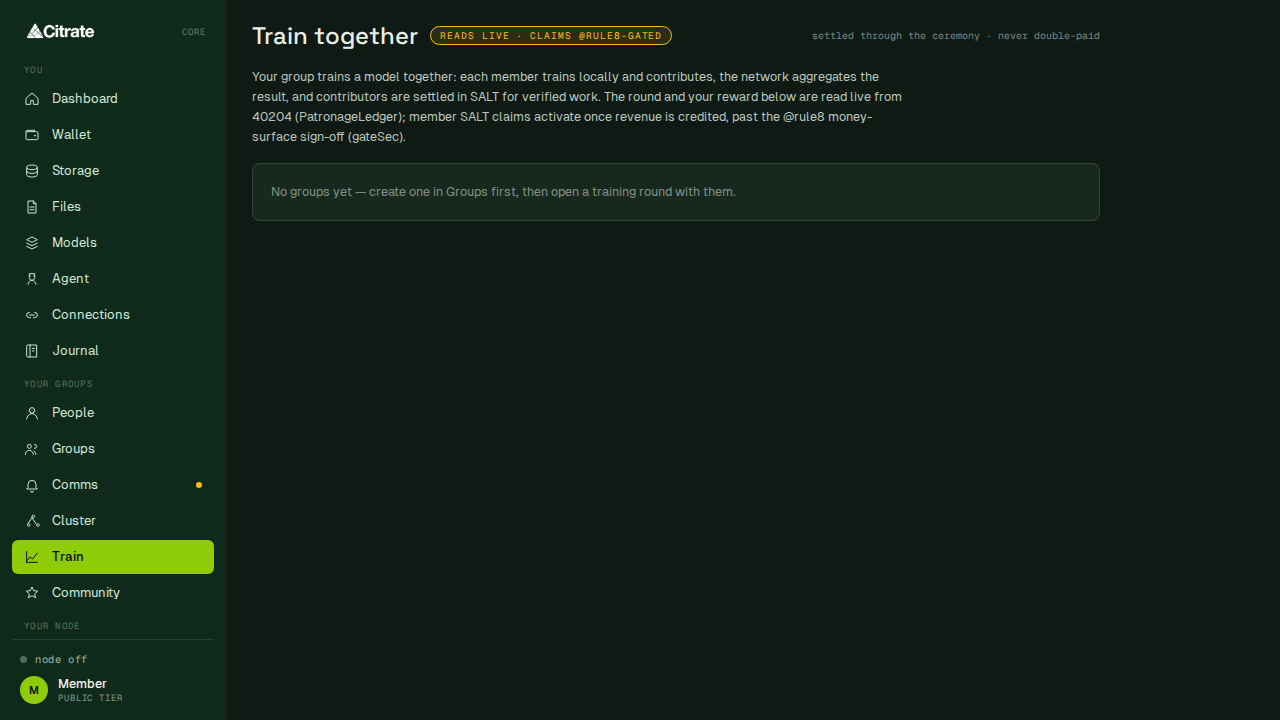
Train
Take part in federated model training rounds from your own machine. Your data stays local; only the agreed updates leave the device.
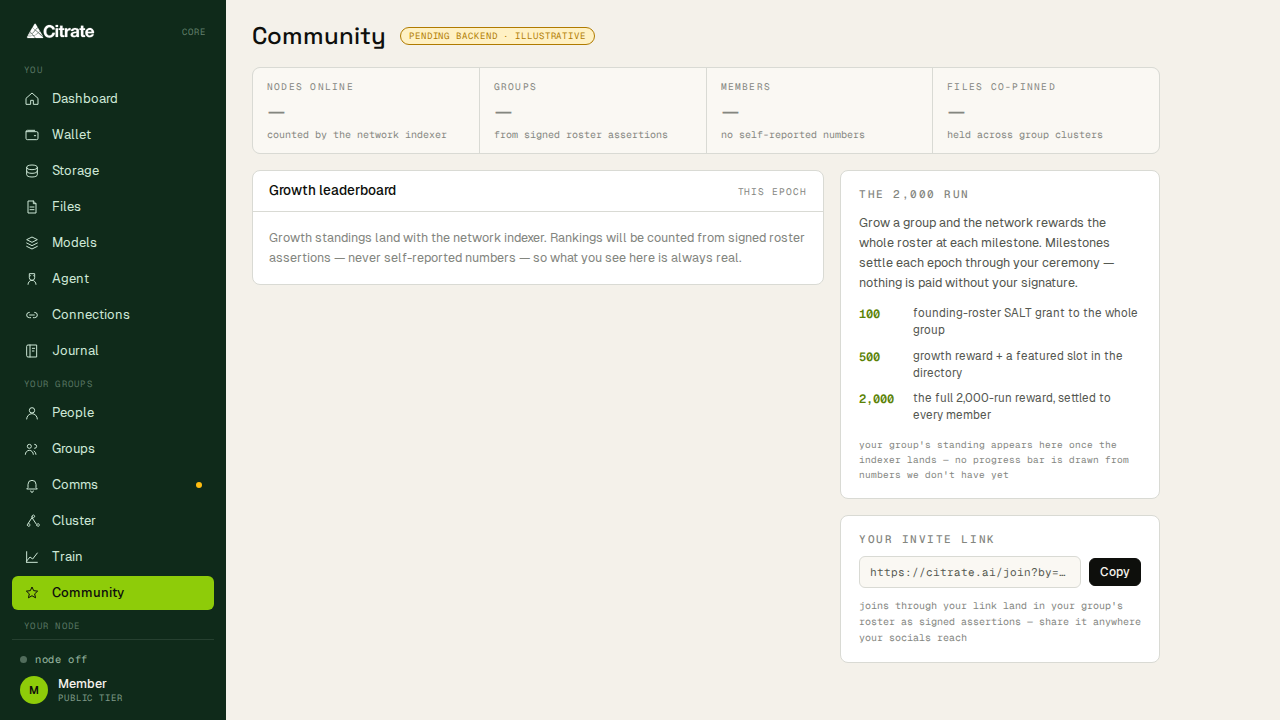
Community
The wider community surface: shared spaces and activity across the network.
More
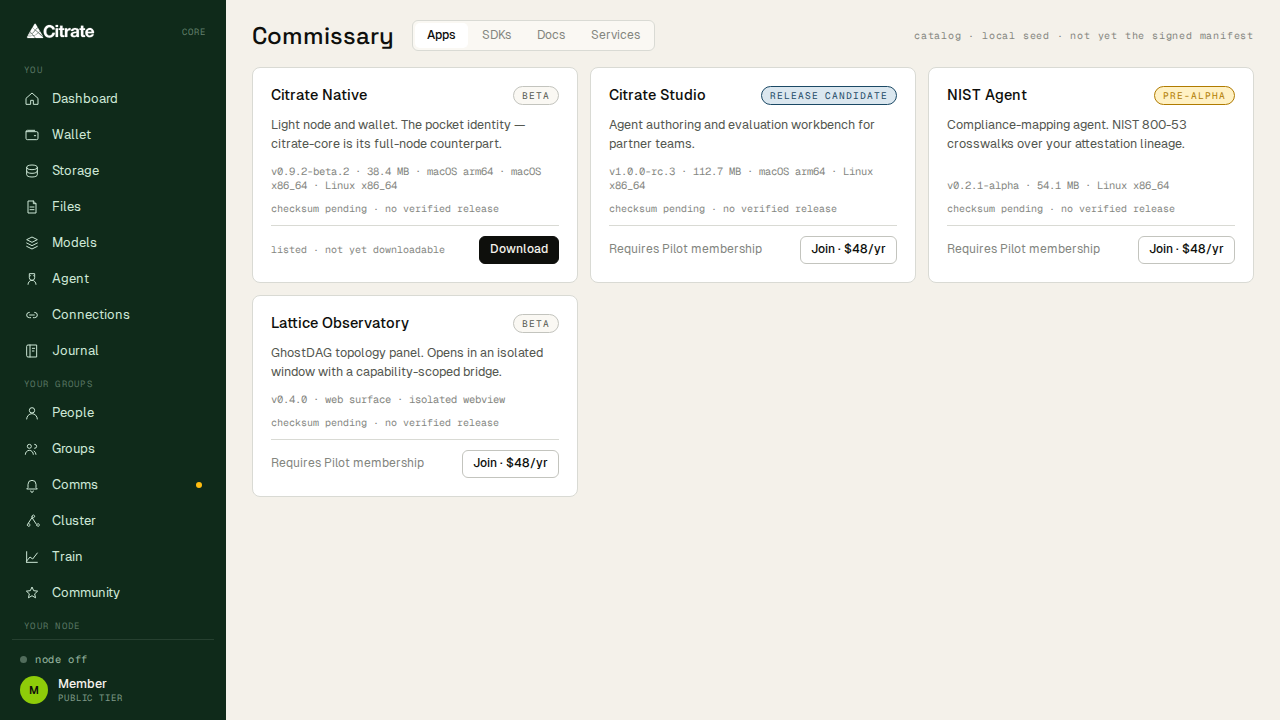
Commissary
Where memberships and entitlements are taken and managed. Checkout opens in your browser; the outcome returns to the app.
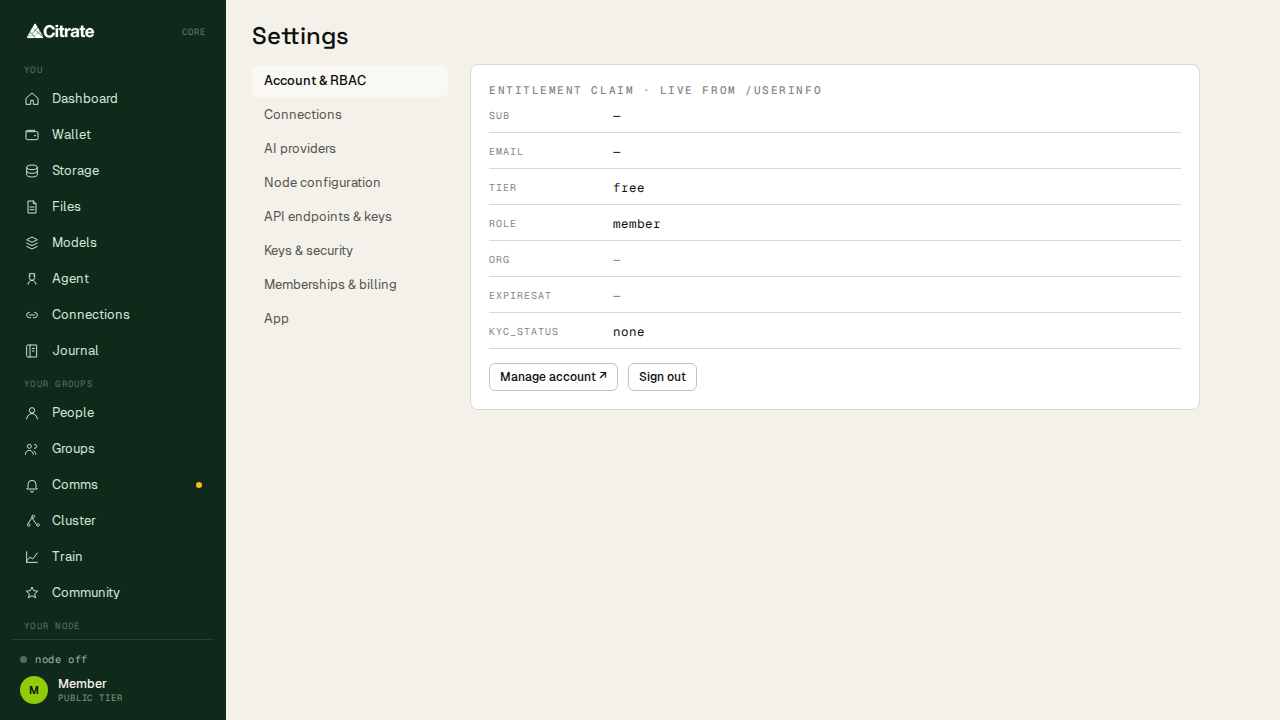
Settings
Application settings, grouped into sections for the account, the node, identity, models, storage, and the app itself. This is where you manage the local configuration described in keys and safety.
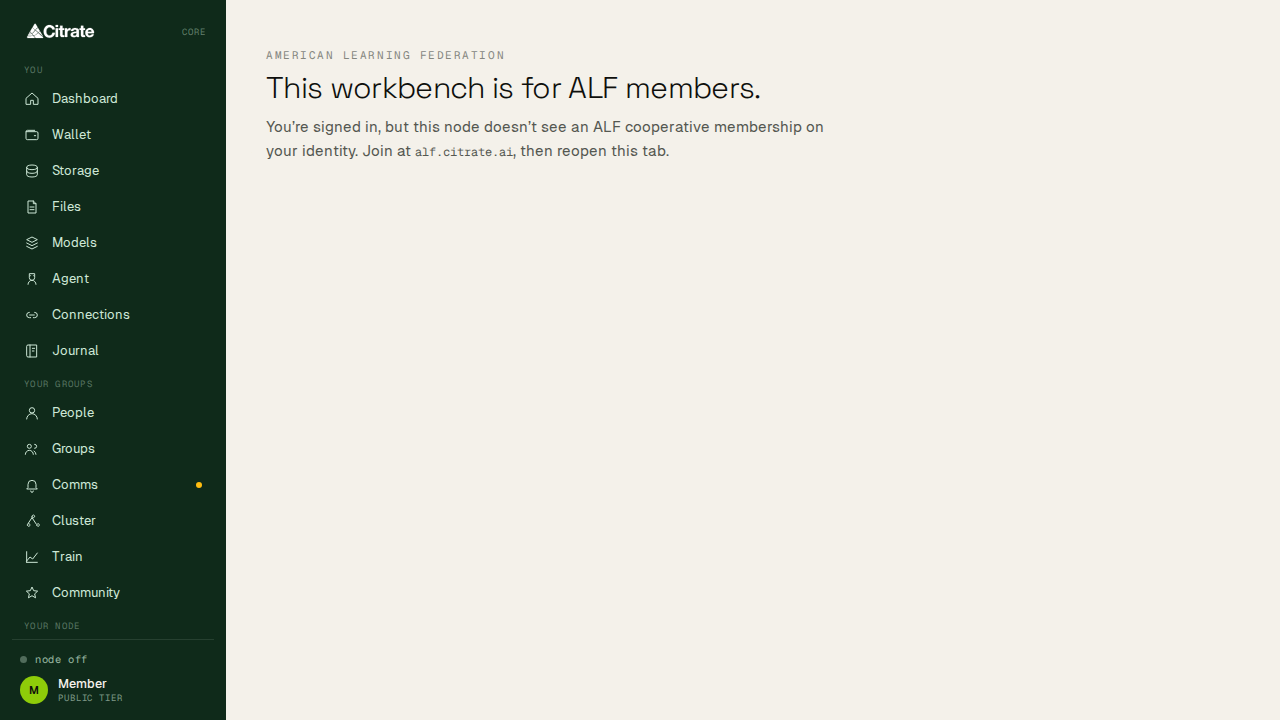
ALF
The ALF learning surface: the education and mentorship programs on the network, reachable from inside the app.
Next
The one surface not shown above is Node, the operator console for the node this app runs. It has its own
page: run a node.